Migo: Sell Gift Card
Business

To check an Apple Gift Card balance, use Apple’s official balance page or Apple Support for your country. To use the card, redeem the Apple Gift Card code to the correct Apple Account. If you have an eligible unused card and want to convert it to local cash, you can submit it through MigoGiftCard’s Apple Gift Card exchange page. We support gift-card trading workflows for users in supported markets, including Nigeria and Ghana.
At MigoGiftCard, we help gift-card holders understand their options before they trade. This guide covers how to check Apple Gift Card balance, buy an Apple Gift Card online, redeem an Apple Gift Card code, use email delivery, and sell an eligible unused card through MigoGiftCard.
Apple Gift Card availability, redemption rules, currency and eligible services vary by country or region. Always confirm the current Apple terms and the live MigoGiftCard rate shown for your market before completing a transaction.
An Apple Gift Card is prepaid credit issued for eligible Apple products and services. Depending on the market and card type, the balance may be used for Apple Store purchases, apps, subscriptions, games, music and other eligible services. The card’s country, currency and terms determine where it can be redeemed.
You may also see searches for Apple Music Gift Card and Apple iTunes Gift Card. Some older cards may follow different redemption rules. Check the card terms and the Apple Account region before buying, redeeming or trading one.
If your country does not offer a separate public checker, sign in to the Apple Account that received the credit and review the account balance. You can also contact Apple Support with your receipt or proof of purchase.
Some markets provide an official balance-check flow for unused cards. If that option is unavailable, contact Apple Support or the authorized seller. Do not post your full code online or send it to someone who promises to check the balance for you.
Keep the receipt, order confirmation, delivery email and card number. Check whether some value has already been redeemed, whether the card currency matches your Apple Account region, and whether the card was activated by the seller. Apple Support or the original retailer can help investigate the issue.
Open the App Store or Apple’s official account interface, sign in to the Apple Account you plan to use, select the redemption option and enter the code. Check the account and region before confirming.
Redeemed value is generally linked to the Apple Account used during redemption. Review the on-screen terms before confirming. Never redeem a card for a caller, message sender or person who pressures you to act immediately.
After redemption, the value normally appears as Apple Account credit where supported. You can use it for eligible Apple purchases, apps, games, subscriptions and media services. If the purchase is higher than the available credit, Apple may request another valid payment method.
Sign in to the Apple Account you want to use, select Redeem Gift Card or Code, enter the code and confirm. Once redeemed, the value is added to that account and can be used across supported devices and services.
An Apple Gift Card is different from a bank card in Apple Wallet. If the retailer or delivery email provides an Add to Apple Wallet button, follow that supported flow. Otherwise, redeem the card to your Apple Account and use the resulting credit through Apple’s payment system. Wallet support varies by card, issuer and country.
The phrase Apple Pay Gift Card is often used as a search term, but Apple Gift Card and an Apple Pay payment card are different products. Apple Gift Card usually adds Apple Account credit; it is not a general-purpose Apple Pay balance.
To buy Apple Gift Card online, choose Apple’s official store or an authorized seller in the recipient’s country. Confirm the country, currency, denomination and delivery method before paying. A card purchased for one region may not redeem in another.
With Apple Gift Card email delivery, the recipient receives a digital code or redemption instructions at the email address entered during checkout. Check the address carefully, keep the order confirmation and protect the code after delivery.
An Apple e Gift Card is a digital card delivered electronically. Confirm the delivery country, currency and account region before placing the order.
You can usually buy one from Apple’s official online store, an Apple retail location or an authorized retailer. Availability varies by country. Use an official seller page and check the final price and terms before paying.
An Apple Gift Card discount may come from a retailer promotion, loyalty program or bundle. Compare the final price, card value, country, currency and delivery terms. Be cautious with offers that ask for cryptocurrency, advance code delivery or payment outside the seller’s normal checkout.
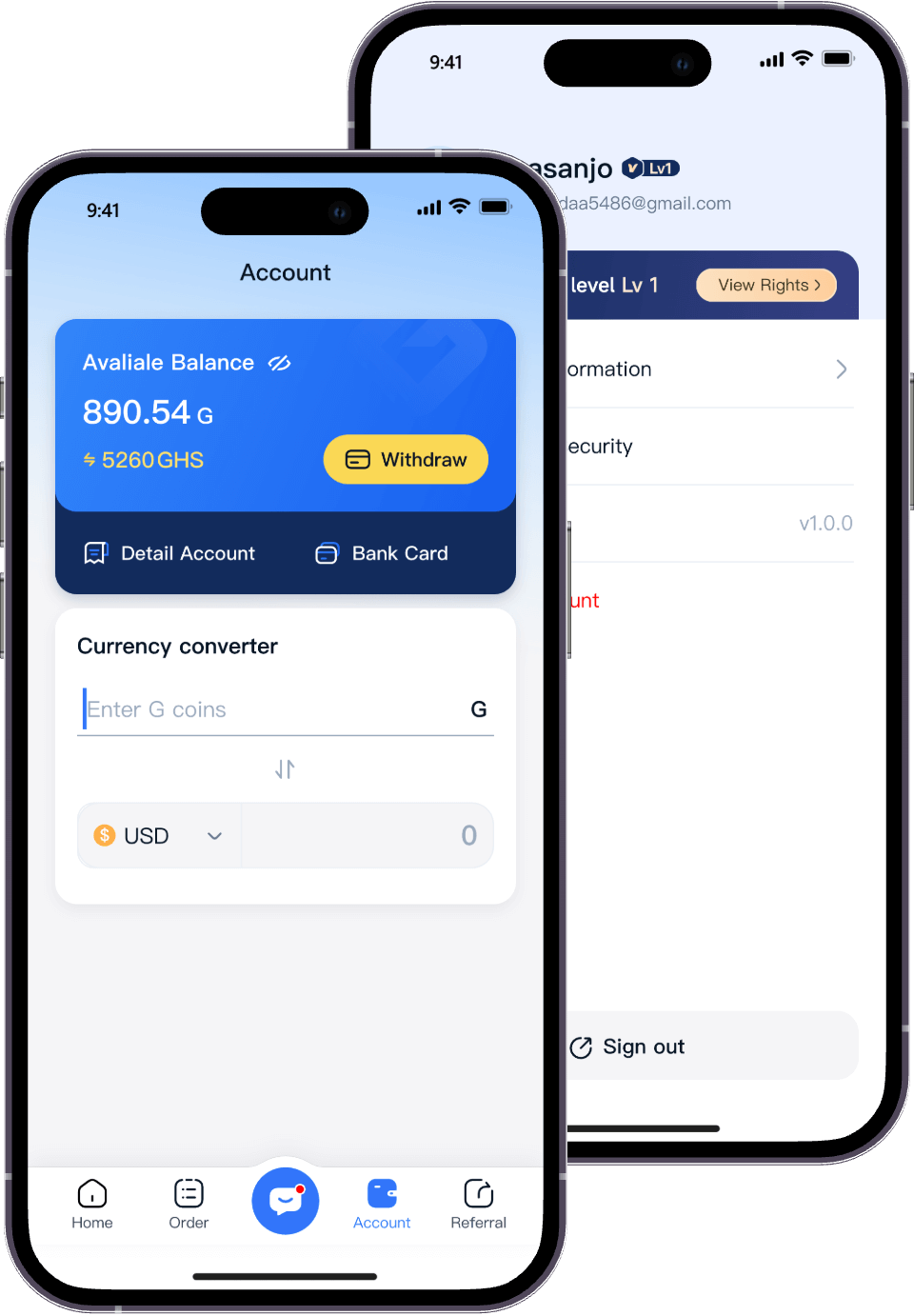
At MigoGiftCard, we provide a simple way for users in supported markets to submit eligible unused gift cards for verification and cash payout. If you have an Apple Gift Card that you do not plan to use, visit our Apple Gift Card trading page to review the current card types, market options and next steps.
Our help center distinguishes physical cards from electronic codes. A physical card may require a clear image after the required details are revealed. An e-code may be submitted through an email screenshot, paper code or code field, depending on the card type and the current submission form.
The available card type, currency, denomination and subcategory depend on our live rate table and verification rules. Before submitting, make sure the card is unused, activated, valid for the stated region and shown as accepted in the current MigoGiftCard workflow.
Most standard submissions move through verification quickly. Some store cards require longer review, and high-value Apple cards may take additional time. Processing follows the current queue, card type, denomination, image quality and verification result. Check the status in your MigoGiftCard account and contact support if you need help.
Our public rate calculator provides NGN, GHS and USDT views. Payout availability depends on the account, market and current payment options. Review the live rate and payout instructions before submitting a card.
We combine a web trading portal, mobile apps, a live rate calculator, card-type guidance and customer support in one workflow. We also support multiple popular gift-card brands, so users can manage different card types from one account.
MigoGiftCard is an independent gift-card exchange platform. Apple Gift Card is an Apple product, and our exchange service does not represent Apple or replace Apple’s official support and redemption channels.
These are separate products from different companies.
| Search term | What it usually refers to | Where to verify the balance |
|---|---|---|
| Apple Gift Card | Credit for eligible Apple purchases and services | Apple’s official site or Apple Support |
| Apple Store Gift Card | A card intended for Apple Store purchases; terms vary by market | Apple’s official card terms |
| Applebee’s Gift Card | Restaurant credit for participating Applebee’s locations | Applebee’s official gift-card page or the restaurant shown on the card |
| Applebee’s Gift Card balance | Remaining value on an Applebee’s restaurant card | Applebee’s official balance-check instructions |
An Applebee’s Gift Card cannot normally be redeemed as an Apple Gift Card, and an Apple Gift Card cannot normally pay an Applebee’s restaurant bill. Always confirm the brand before entering a code or submitting a card for exchange.
In some markets, yes. Use Apple’s official balance-check option or contact Apple Support. If no public checker is available, keep the card unused and ask Apple or the authorized seller to verify it. Never publish the code or send it to an unknown person.
This depends on the card type and market. Older Apple Music or Apple iTunes cards may have different rules. Read the card terms and redeem through the official Apple interface for your region.
Apple Cash is separate from Apple Gift Card. Check official Apple information before trusting any listing that uses the phrase Apple Cash Gift Card. Do not assume an Apple Gift Card can be transferred into Apple Cash.
Check for typing errors, region mismatch, prior redemption, activation problems and damaged characters. Keep your receipt and contact Apple Support, the authorized seller or MigoGiftCard support if the card is being submitted for exchange.
You may be able to submit an eligible e-code through MigoGiftCard. Select the correct card type and follow the current upload or code-entry instructions. Do not forward the email or share the code until you understand the transaction and verification process.
For an apple gift card balance check, start with Apple’s official tools or Apple Support. To use the card, redeem Apple Gift Card code to the correct Apple Account. If you have an eligible unused card, MigoGiftCard can help you submit it for verification and cash payout in supported markets. When you buy Apple Gift Card online, verify the seller, region, currency and delivery email. Keep Apple Gift Cards and Applebee’s gift cards separate because they belong to different businesses.