
Migo: Sell Gift Card
Business

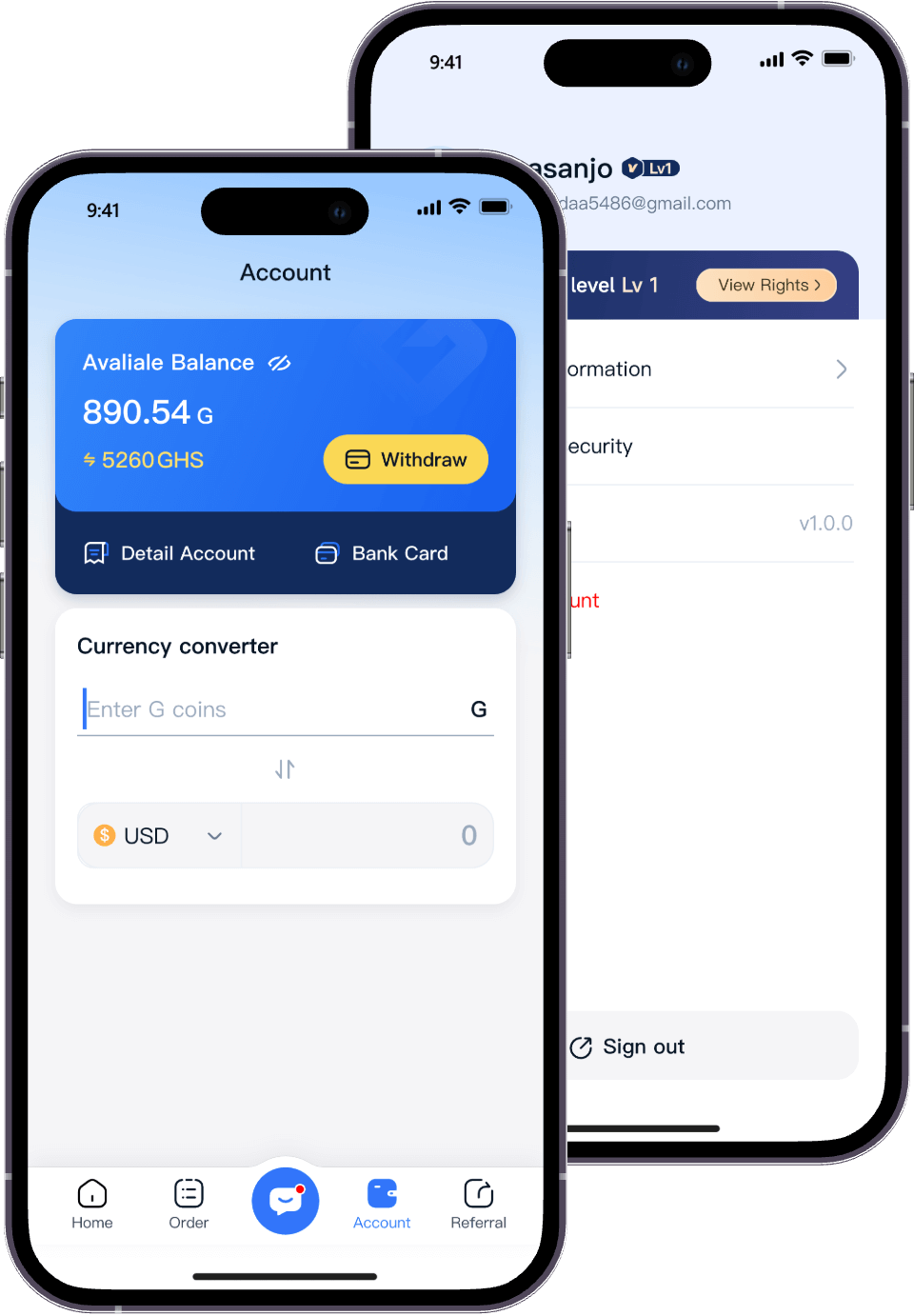
Received a gift card you cannot use? If you want to sell gift cards in Nigeria or Ghana, start by checking the card's brand, issuing country and current exchange quote. Then submit an eligible card through the official platform, follow verification instructions and review the available payout options.
This guide explains what to prepare, how to get started with Migo and what to do if a submission needs further review. You do not need to guess a card's value or rely on an old rate screenshot.
A gift card is a prepaid card or digital code for a particular brand or payment network. Its face value is not necessarily the amount you will receive when selling it. Resale quotes depend on the exact card category and current availability.
Only submit cards you own and are entitled to sell. Check the issuer's terms and Migo's current acceptance requirements before proceeding.
Go to the Migo download page and follow the official store link for your device. Sign in or create an account, and complete any checks requested before trading. Avoid app files or login links sent by unknown sellers.
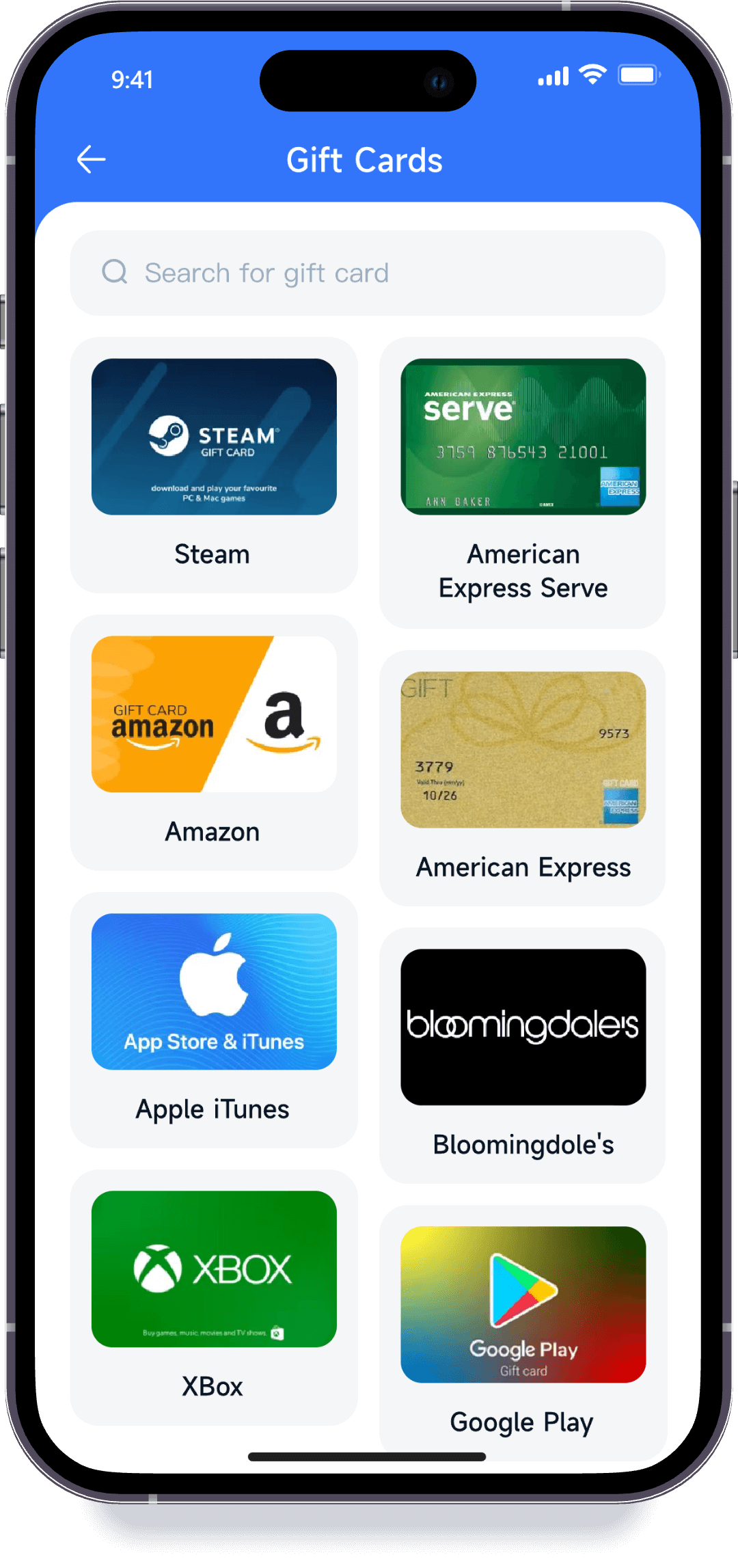
Select your card's brand, issuing country, denomination and format where requested. Do not choose a similar-looking category because its displayed rate is higher. If the exact option is missing, ask support whether the card is accepted before sharing its code.
For Apple cards, consult the Migo Apple gift card page. Check the exact product type and region instead of assuming that all Apple and iTunes cards have the same requirements.
Use the Migo gift card rate calculator to review available quotes. Confirm the payout currency for your account, including NGN or GHS where offered, and review any applicable fees or withdrawal conditions.
Compare quotes for the same brand, country, denomination and format. A higher headline rate is not necessarily a higher final payout. Review the amount and terms shown before confirming your submission; an earlier estimate may no longer apply.
Provide the details and images requested through the official submission process. Keep the original receipt when available, make sure photographs are readable and double-check the denomination. Do not post card codes in public comments or send them to unsolicited support accounts.
Review the transaction status and respond to any requests for additional information. Do not redeem the card or submit it to another buyer while the first transaction is unresolved. Verification time can vary with the card and the checks required; a submission is not the same as an approved sale.
Once a transaction is approved, follow the payment or withdrawal options shown in your account. Check the destination details and any minimum amount or fee before confirming. Card approval and receipt of money are separate stages, so track both rather than assuming they happen simultaneously.
Where a balance-check service is available, use the issuer's official website or the contact information printed on the card. Avoid unfamiliar balance-check pages that ask for your card number or code.
Checking a balance and redeeming a code are not the same action. Do not redeem a card to your personal account simply to test it if you intend to sell it. For American Express cards, see our Amex gift card balance guide and follow the issuer's current instructions for your card.
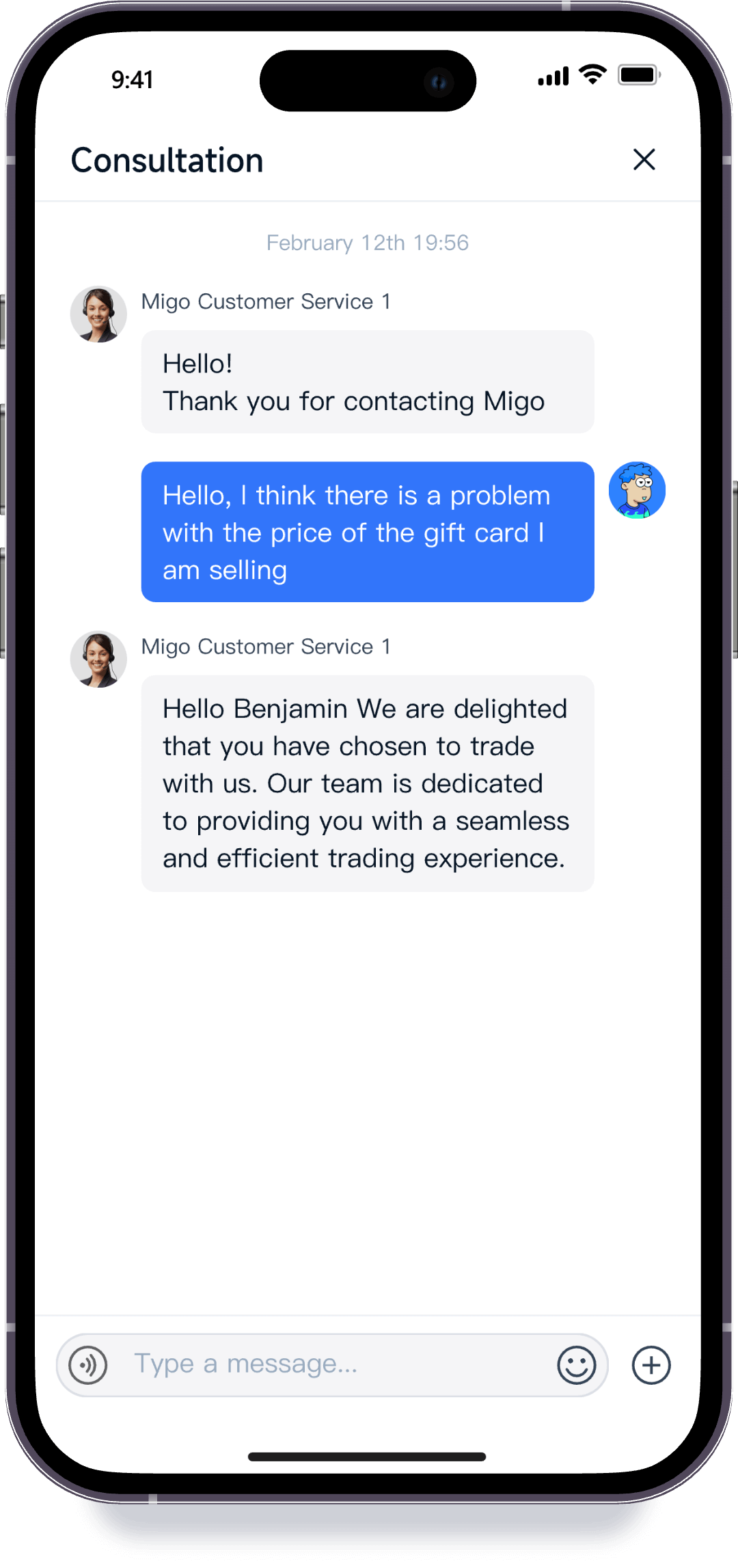
A review may need more information if an image is unclear, the selected category does not match the card or additional verification is required. Check the order message first. If you need help, provide the order reference and a short description through official support instead of creating another submission.
Possible reasons include an unsupported category, incorrect information, an already-redeemed code or an unsuccessful verification check. Read the stated reason before taking action. If you disagree with the result, keep your receipt and order records and request clarification.
Check whether the estimate used the same country, card format and denomination, and whether the quote changed before submission. Also review the payout currency and applicable fees. Ask support to explain an unexpected difference before proceeding.
Check the withdrawal status, destination details and any processing guidance displayed in your account. Do not repeatedly request another withdrawal without understanding the first one's status. Visit the Migo Help Center for assistance.
Migo serves users in Nigeria and Ghana. Check the supported card categories and payout options available to your account, since the same terms may not apply to every card or country.
There is no single resale price for every $100 gift card. Brand, issuing country, card format and current quotes all matter. Check the exact category in the rate calculator rather than treating the face value as a cash payout.
Do not assume partially used cards are accepted. Ask support about the specific card and remaining balance before submitting it, and never describe a partially used card as unused.
Selling gift cards in Nigeria or Ghana starts with accurate card details and a clear understanding of the quote. Choose the correct category, submit through official channels and follow the transaction through verification and payment.
Ready to review your card? Check Migo's current gift card rates, then download the Migo app to get started.