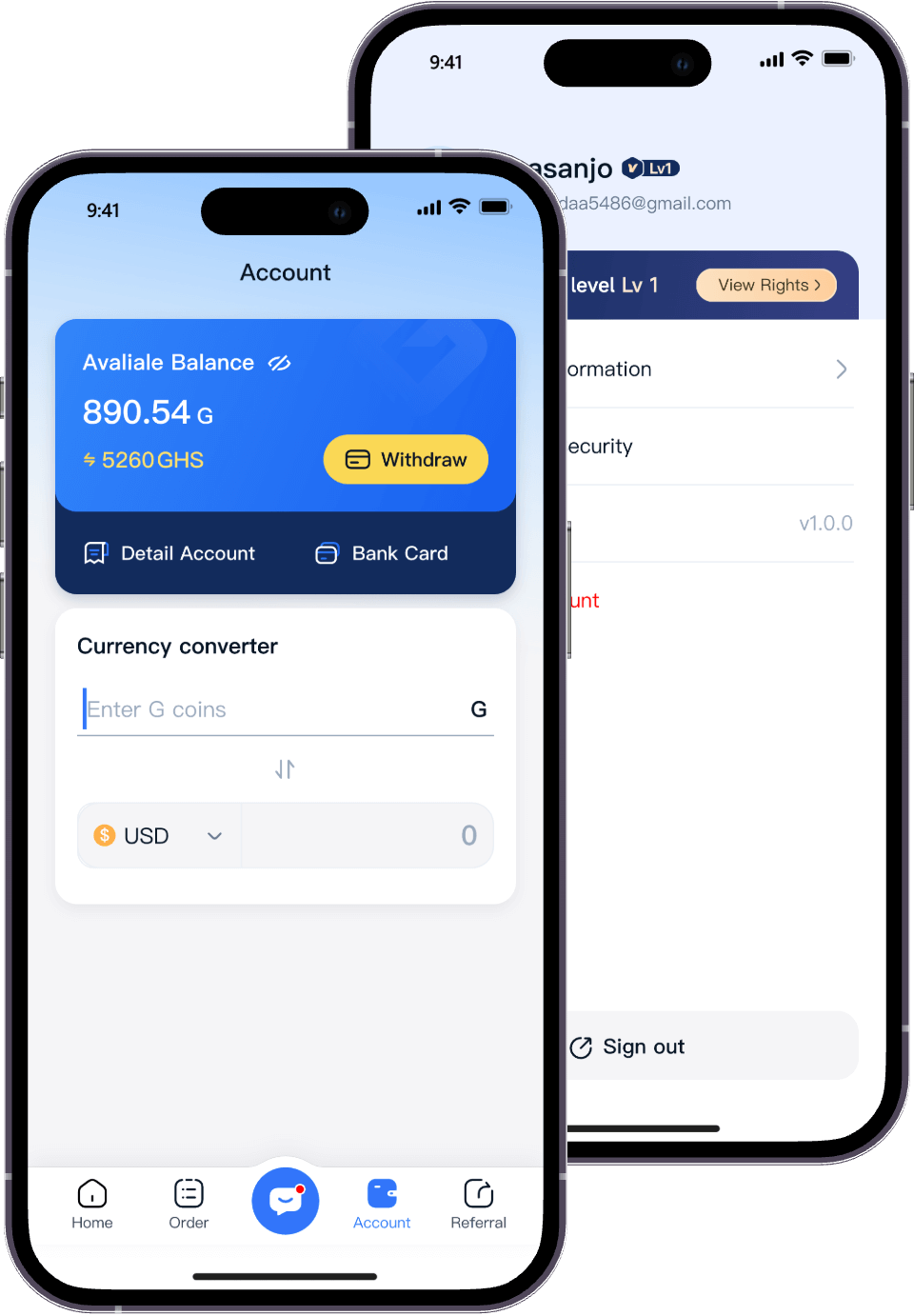
How To Add A Bank Account

Each time you successfully complete a transaction using your gift card, the funds will be deposited into your Migo Wallet. To use your cash, you'll need to add a bank account.

Here's how to add your preferred bank account to your Migo profile for easy withdrawals.

You can do this:
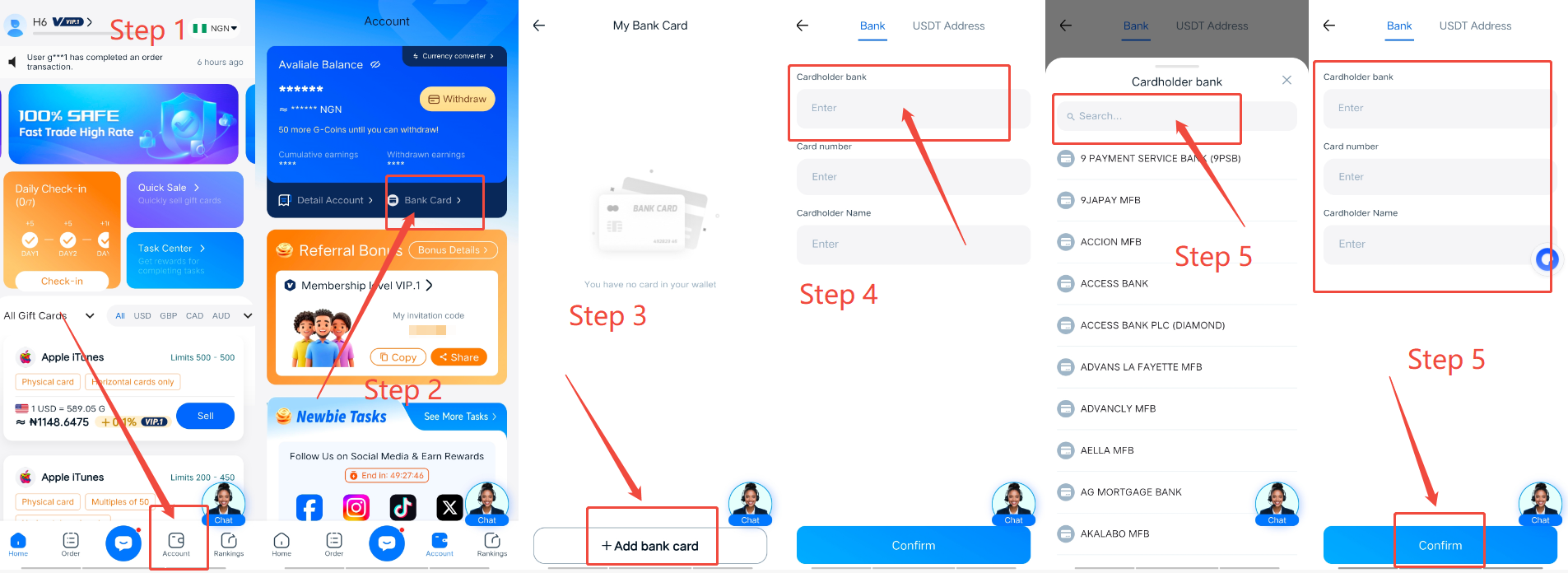
  • Go to the "Account" menu. You can find it by the icon at the bottom of the screen.
  • Tap "Bank Cards," then tap "Add Bank Card" at the bottom.
  • After filling in the required information, the name associated with the account will be displayed below.
  • Confirm your bank account information, then tap "Add Bank Account."
  • Your bank account will be added to your Migo profile.

Now, enjoy the convenience of quick withdrawals to your local bank account with just one tap!

Start Trading to Earn Rewards
Download the Migo app to sell your gift cards
Get the app now:
How To Add A Bank Account | Help Center | Migo