
Migo: Sell Gift Card
Business

How To Change Your Password

So you're tired of your old password. Perhaps it's been leaked or fallen into the wrong hands; in any case, you need to create a new password to protect your Migo account.

Here's how to easily do this without breaking the bank.

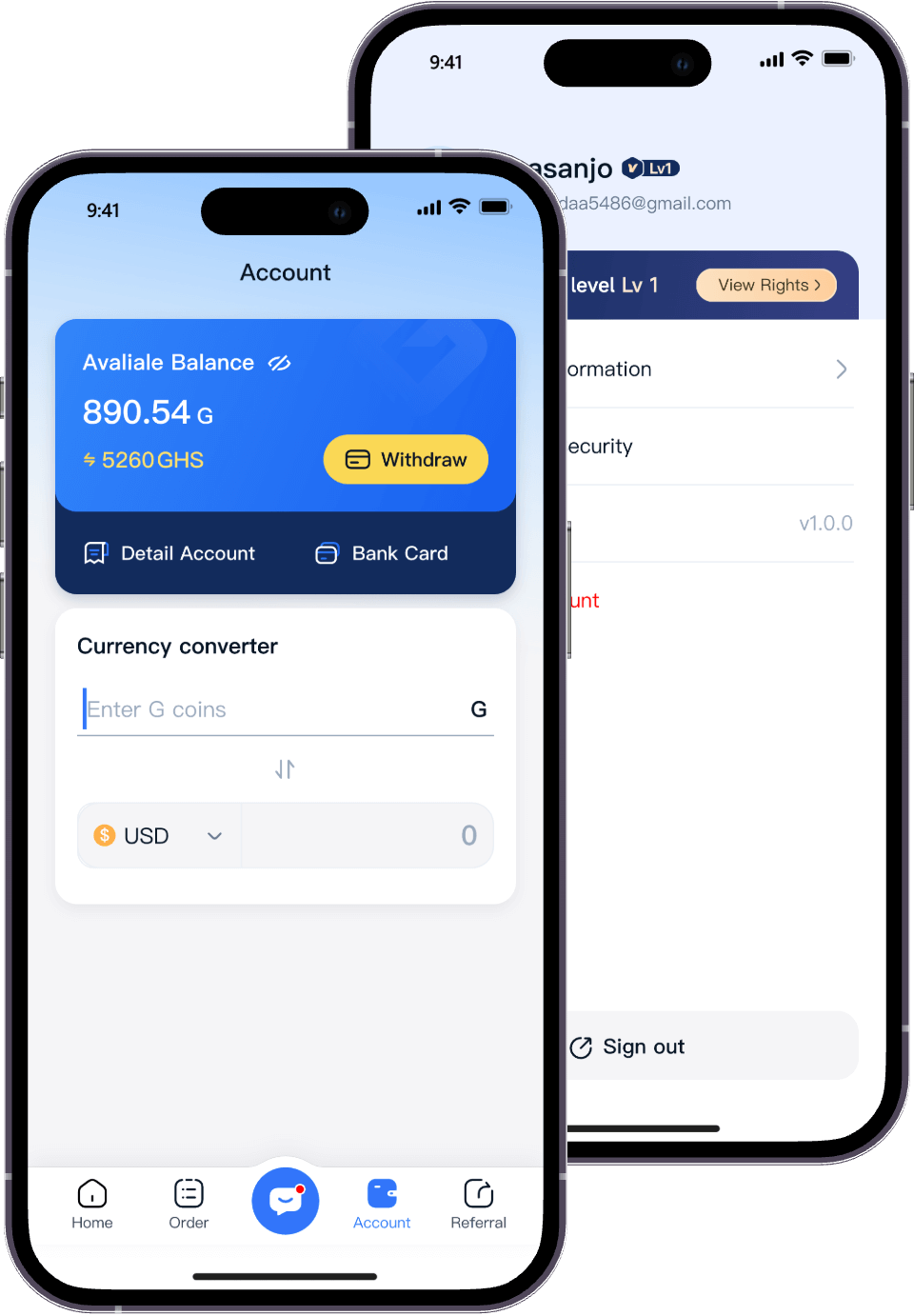
  • Open the Migo app and tap your profile picture in the top left corner of the main screen to enter your profile.
  • Tap "Login & Security," then tap "Update Password."
  • Enter your email address, then request a verification code, and enter the new password you wish to set.
  • After confirming that everything is correct, click "Request Code" to return to the login page and log in with the newly set password.

Remember to always protect your password and transaction information, ensuring their privacy and security!

Start Trading to Earn Rewards
Download the Migo app to sell your gift cards
Get the app now: